Persistent session infrastructure, not another chat window
OpenDray is for developers evaluating how AI coding sessions behave when they become long-running server processes with memory, channels, and APIs around them.
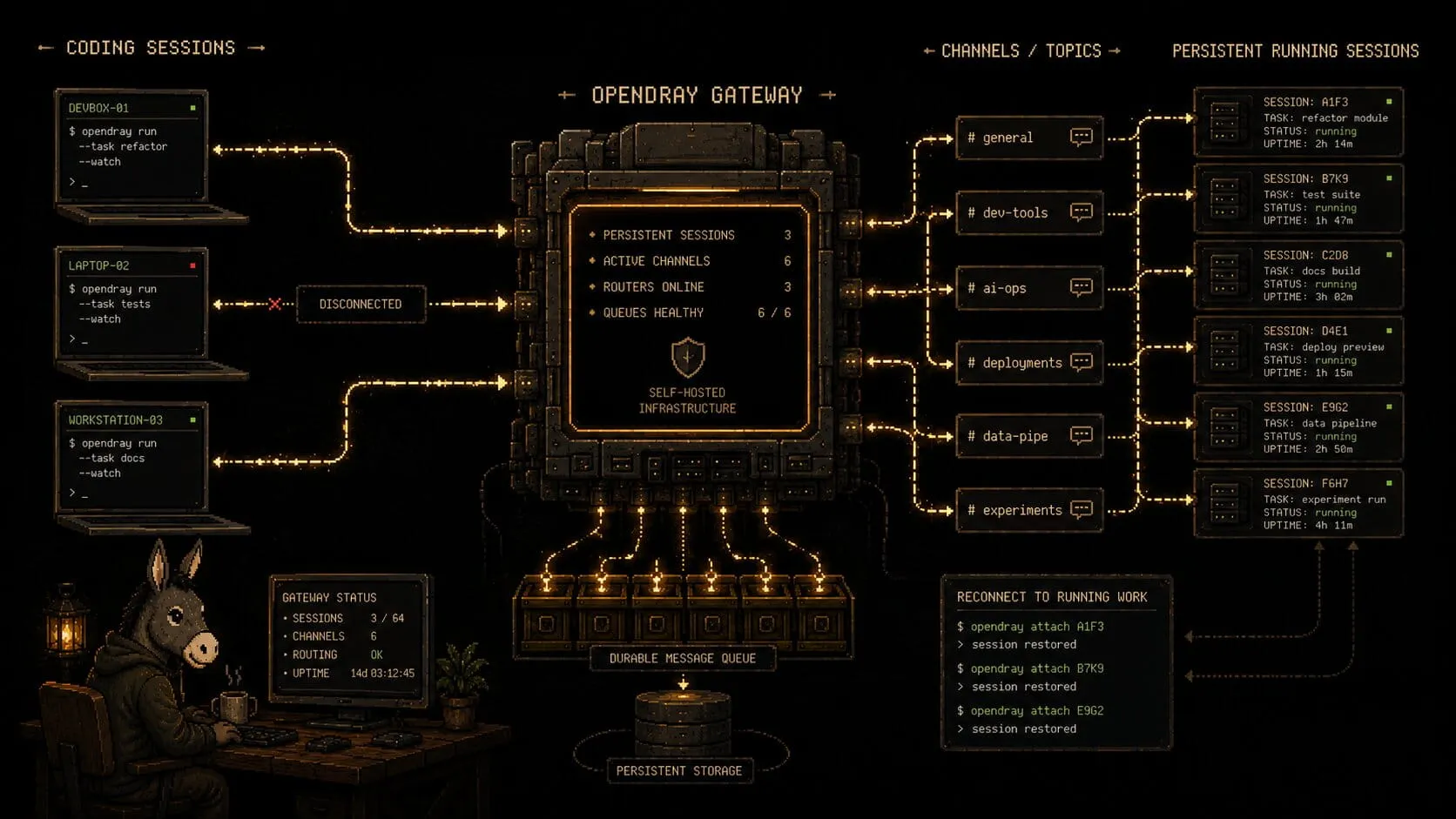
Real processes that outlive the laptop
OpenDray runs Claude Code, Codex, Antigravity, Grok Build, OpenCode, and shell as PTY-backed processes on infrastructure you control. Scrollback survives. Waiting prompts survive. The active process does not need a browser tab to stay alive.
- Reconnect without losing output or session position
- Let sessions wait safely for review, approval, or clarification
- Keep the workflow closer to operator tooling than disposable chat
$ opendray attach web-refactor
restored scrollback: 817 lines
cwd: /workspace/opendray
state: waiting_for_reply
channel: telegram
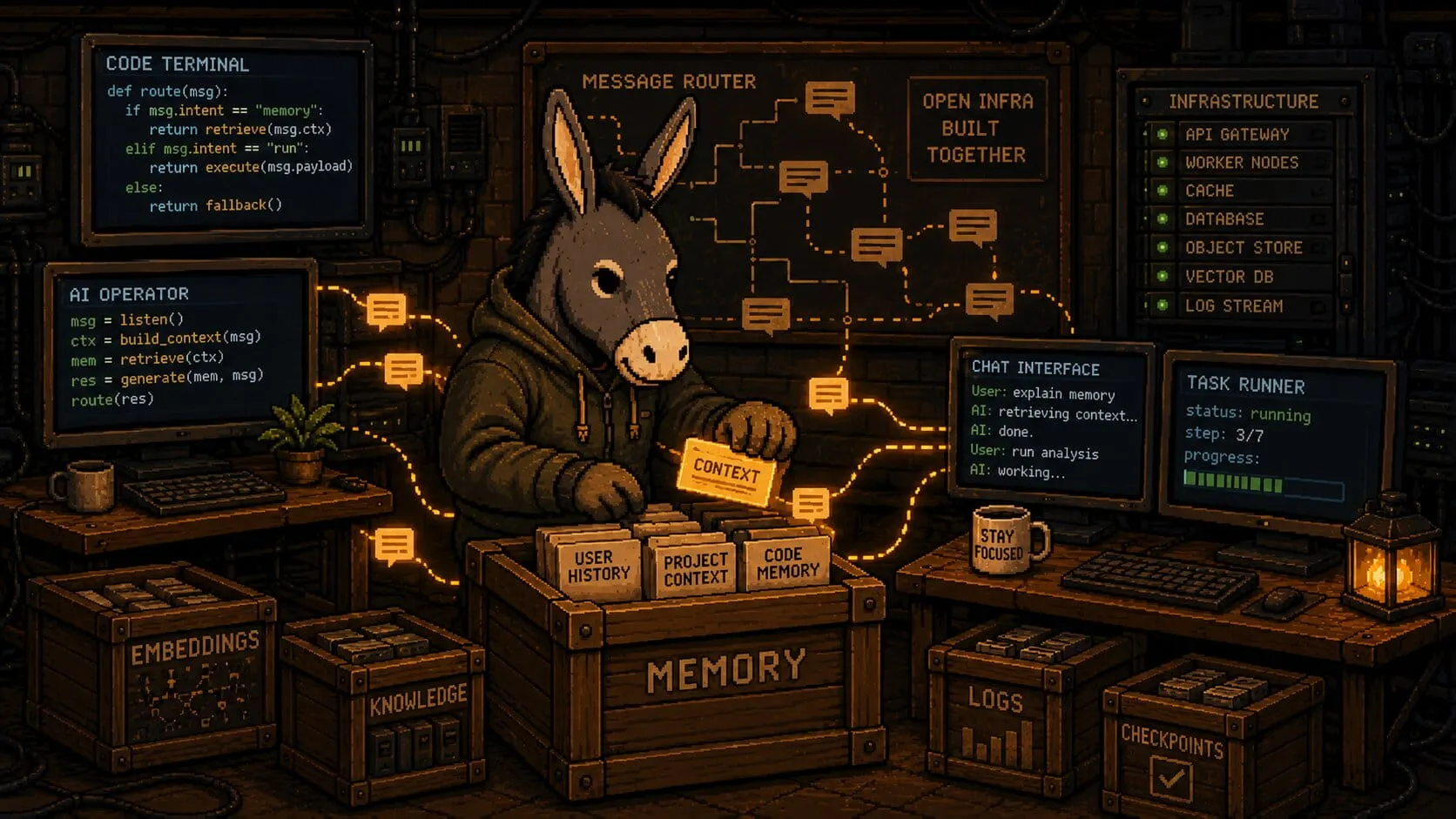
Context stays local and replies find the right session
Memory is organized across user, project, and session scopes. Embeddings can run through ONNX, Ollama, or LM Studio, while Postgres + pgvector handles retrieval. Channel replies are routed back into the correct live session instead of becoming detached messages.
- User scope for durable preferences and working style
- Project scope for engineering conventions and deploy rules
- Session scope for temporary decisions and task-specific context
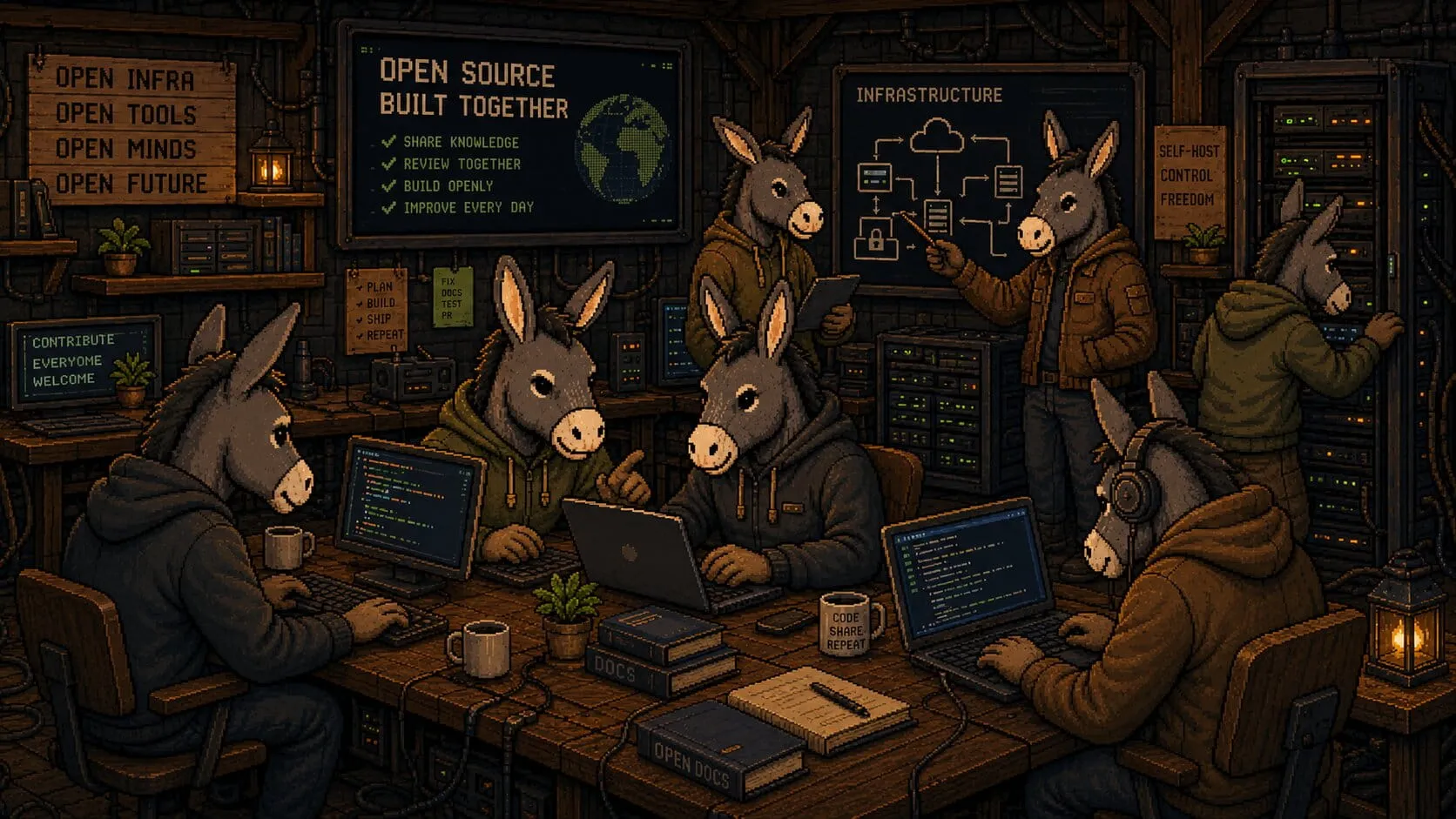
A gateway other tools can build on
REST endpoints and WebSocket streams make OpenDray usable beyond its own UI. Teams can build approval flows, dashboards, monitoring surfaces, and automation around the same session model.
Jev (TypeSafe): typed decisions inside every session
Jev is a decision CLI. You give it state and typed questions, and it returns calibrated JSON probabilities and a verdict — classify, verify, route, screen, match, or rank — in about half a second. It returns decisions, not prose, and it does not hallucinate.
Set one API key in a [jev] config section and OpenDray injects it into every session. Any provider's agent — Claude Code, Codex, Antigravity, Grok Build, OpenCode, or shell — can call the jev CLI with no per-provider setup.
- One API key, available to every provider and session
- Route agent requests and verify agent output against evidence
- Screen prompt injection and score classification rubrics
Classify a support message
jev classify "card declined at checkout" --labels billing,bug --jsonVerify a claim against a file
jev verify "the handler returns 200 on success" --evidence @handler.goInstall the CLI with npm i -g jevctl. Docs: docs.typesafe.ai.
$ jev classify "card declined at checkout" --labels billing,bug --json
{
  "label": "billing",
  "p": { "billing": 0.94, "bug": 0.06 },
  "verdict": "billing"
}
What changes compared with a normal CLI workflow
Why no Docker?
OpenDray is host-resident by design. It spawns real PTY subprocesses and depends on practical host state such as project files, SSH agent access, provider credentials, and long-running operator workflows.
A container boundary sounds cleaner than it behaves for this product. Systemd or launchd fit the operational model better because OpenDray is meant to supervise real developer tools on the host, not hide from them.
- host-resident PTY sessions
- shared project files and CLI auth
- direct access to SSH agent and provider credentials
- simpler service management
- fewer artificial workflow boundaries